Screenshots
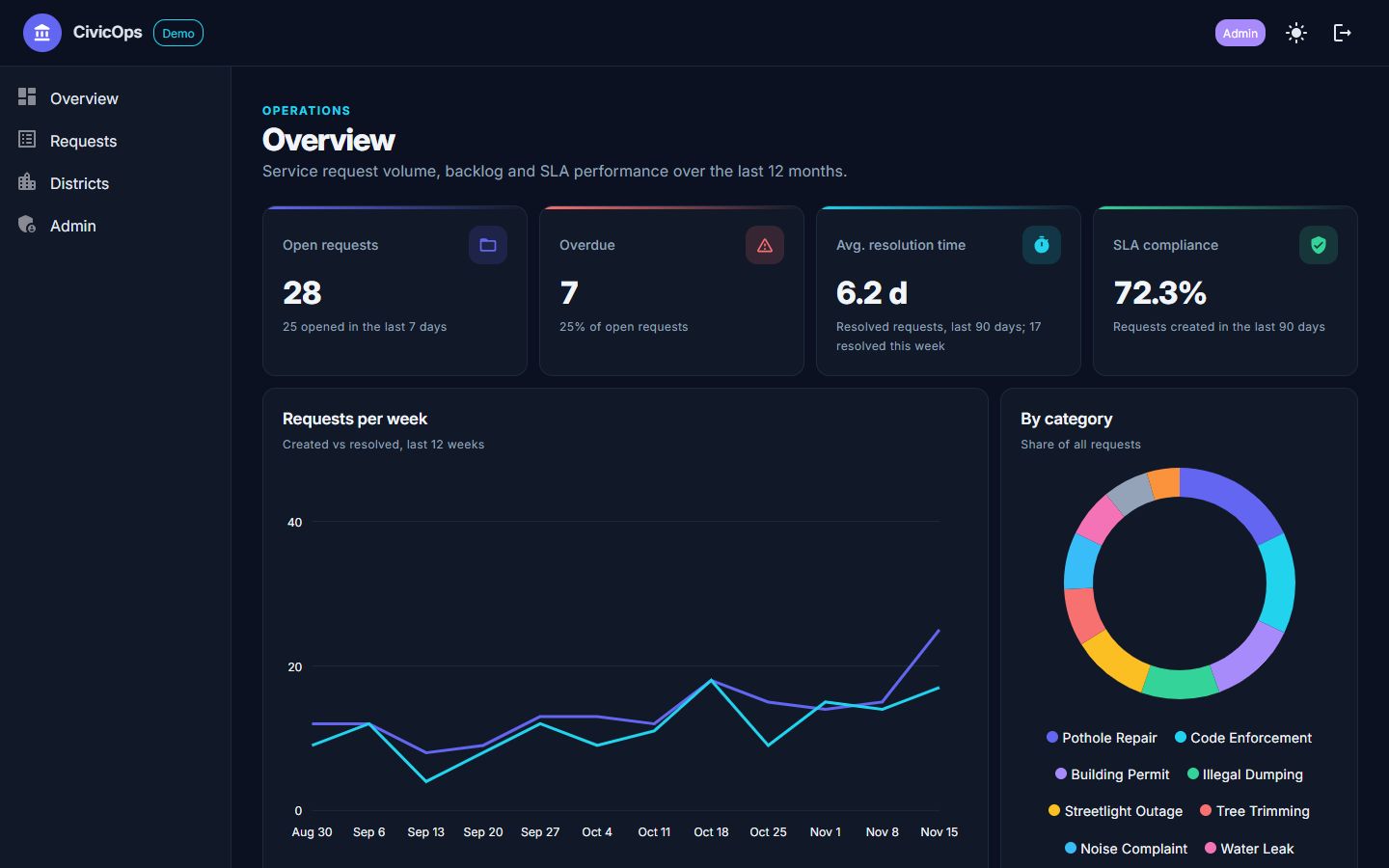
Overview dashboard in dark mode: KPIs and charts.
On a phone (390 px wide)
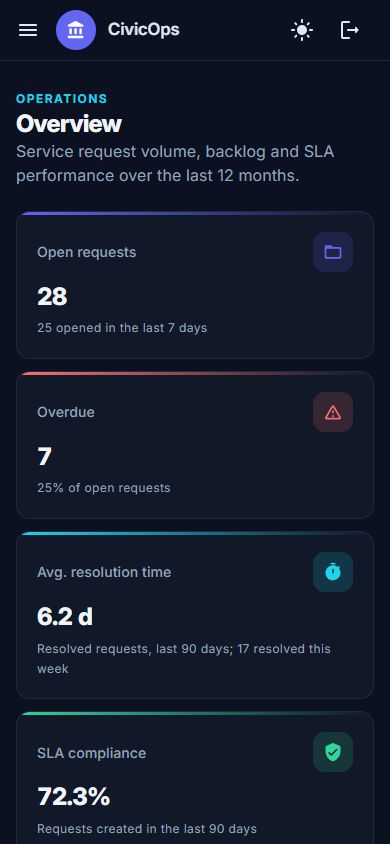 Overview on a phone.
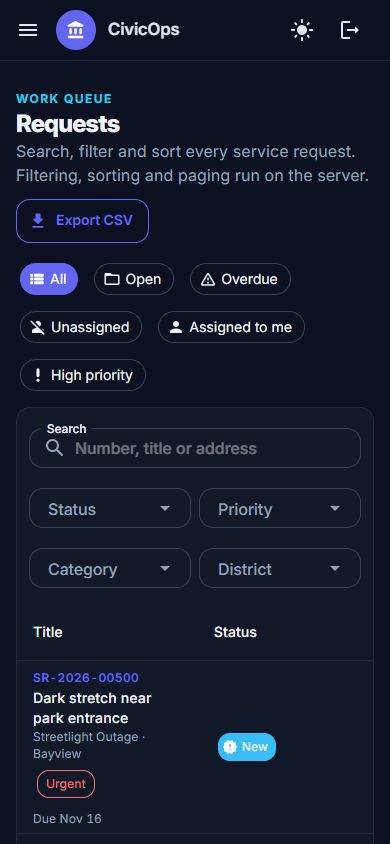 Requests list on a phone.
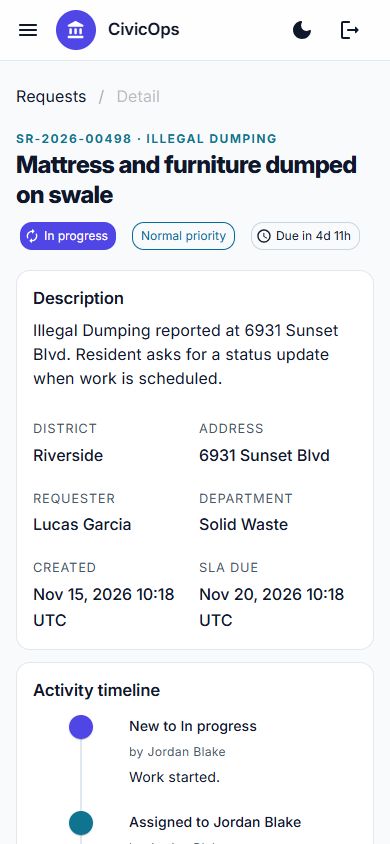 Request detail on a phone, light mode.
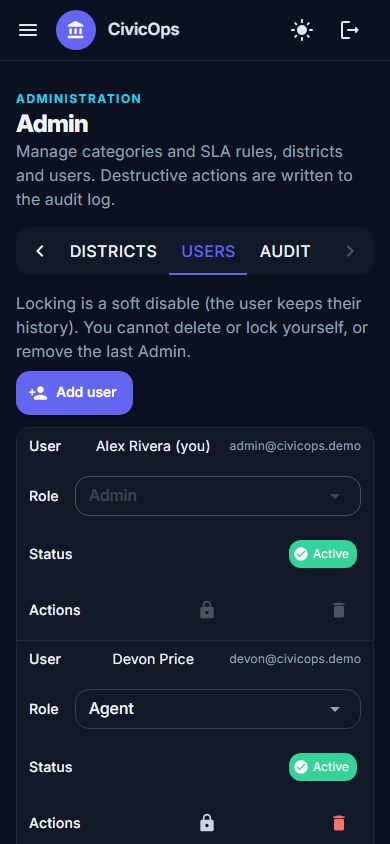 Admin users on a phone.
The problem
Operations teams that handle service requests and permits (potholes, illegal dumping, licenses) across districts and departments need to see at a glance what is overdue, who owns it, and whether service-level targets are being met.
Who it is for
Operations supervisors, field agents, administrators and read-only stakeholders. CivicOps is a portfolio demo that runs on synthetic data and is not affiliated with any government agency.
Key features
Overview dashboard
KPI tiles (open, overdue, average resolution time, SLA compliance) and charts: requests per week, by category, by district and the SLA compliance trend.
Requests grid
Server-side paging, sorting and filtering (search, status, priority, category, district) plus quick filters such as open, overdue, unassigned and assigned to me.
CSV export
Download every request that matches the current filters from a plain server endpoint, with spreadsheet formulas neutralized.
Request detail and timeline
Status changes, assignments and notes on a timeline, with a validated status-update form that enforces the workflow.
District breakdown
Workload per 10,000 residents, overdue counts, average resolution time and SLA compliance for each district.
Create, edit and delete requests
A validated form creates and edits requests (the SLA due date is recomputed), notes can be edited by their author, and only Admins can delete, with a confirmation dialog.
Admin area
Tabs for categories and per-priority SLA hours, districts, users (create, change role, lock or delete, with last-Admin protection) and an audit log of deletions and user changes, plus an admin-only reset of the demo data.
Role-based permissions
Four roles. Viewer reads and exports; Agent adds notes and updates the status of requests assigned to them; Supervisor assigns and updates any request; Admin also edits SLA rules, manages users and deletes records.
Architecture highlights
SLA tracking
Each category has a target in hours per priority. The due date is set from it when a request is created, and compliance counts resolved-on-time against resolved-late or open-and-overdue.
One source of truth for the workflow
A single StatusRules class defines every allowed transition (for example New to In progress, On hold to In progress, Resolved to Closed or reopened). Notes are required for hold, resolve, cancel and reopen.
Permissions enforced on the server
Every service call takes the acting user and re-checks permissions, so the UI hides actions and the server refuses them too.
Data layer
EF Core with SQLite through IDbContextFactory (safe in long-lived Blazor circuits), UTC timestamps, seeded with about 500 synthetic requests on first start.
Audit log and schema-version reset
Hard deletes and user changes are written to an AuditLogs table. The schema version is kept in SQLite PRAGMA user_version, so when it changes the demo database is recreated and reseeded on startup instead of failing on an old file.
Auth in Blazor Server without JavaScript
Sign-in and sign-out are minimal-API form posts with antiforgery tokens; login pages are static SSR, everything else is interactive behind a fallback authentication policy.
Tech stack and versions
Exact versions taken from the project files.
| Technology | Version | Used for |
|---|---|---|
| net11.0 (.NET 11)Target framework and SDK used to build (no global.json pin) | SDK 11.0.100 |
Target framework and SDK used to build (no global.json pin) |
| Blazor Web App (Interactive Server)Server-rendered UI over a live circuit | ASP.NET Core 11.0 |
Server-rendered UI over a live circuit |
| MudBlazorUI components, dark and light theme, and charts | 9.13.0 |
UI components, dark and light theme, and charts |
| Microsoft.EntityFrameworkCore.SqliteData access with SQLite | 11.0.0 |
Data access with SQLite |
| Microsoft.AspNetCore.Identity.EntityFrameworkCoreCookie authentication and roles | 11.0.0 |
Cookie authentication and roles |
| xunitTest framework | 2.9.3 |
Test framework |
| xunit.runner.visualstudioTest runner | 3.1.4 |
Test runner |
| Microsoft.NET.Test.SdkTest host | 17.14.1 |
Test host |
| Microsoft.AspNetCore.Mvc.TestingWebApplicationFactory for integration tests (in-memory SQLite) | 11.0.0 |
WebApplicationFactory for integration tests (in-memory SQLite) |
| GitHub ActionsCI/CD: build, test and deploy over FTPS | - |
CI/CD: build, test and deploy over FTPS |
73 xUnit tests (WebApplicationFactory with in-memory SQLite, plus service-level tests): authentication, roles and permission denials, filtering and paging, CSV export, status transitions, create, edit and delete rules, delete blocking, last-Admin protection and the schema-version reset.
Demo accounts
Everything in the demo is synthetic and the credentials are public on purpose. Each account has a different role, so you can see how permissions change what you can do.
Password: Demo!2026pass